Is JobCopilot Worth It? An Honest Review for Remote Job Seekers
An honest review of JobCopilot for remote job seekers. Who it's for, how to use it, and how it fits into The Door's 14-day framework.
The Door Team · Honest tool reviews for remote job seekers
Disclosure: This article contains an affiliate link. If you sign up for JobCopilot through it, we earn a commission at no extra cost to you. We only recommend tools we've actually tested inside our own system.
The short answer
If you've already built a solid job search foundation — resume, LinkedIn, portfolio, tracker — and you're now stuck in the slow, repetitive part of the process, JobCopilot is worth trying.
If you haven't built that foundation yet, no auto-apply tool will save you. You'll just send more bad applications, faster.
That's the honest answer. The rest of this article explains why.
What JobCopilot actually does
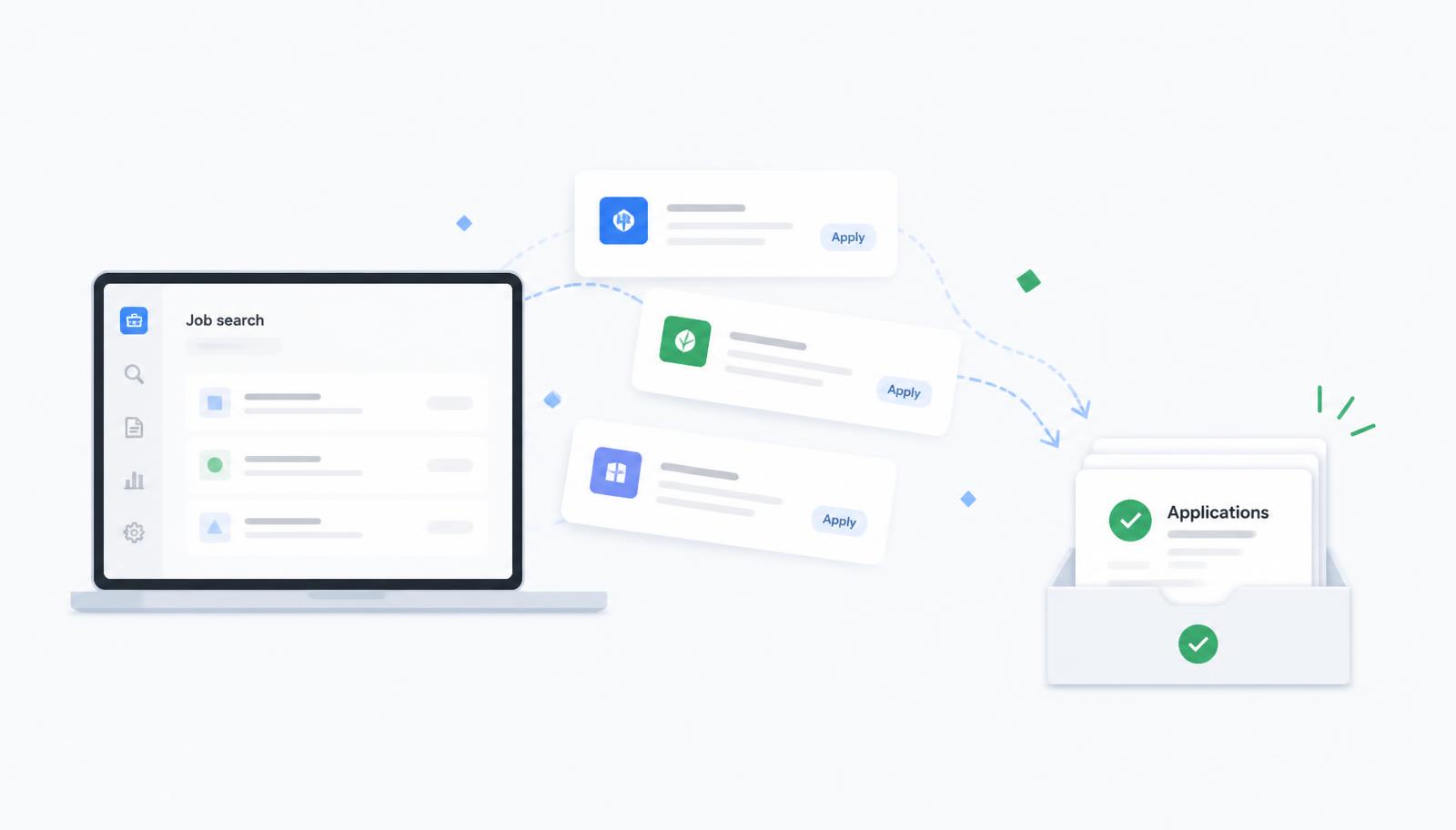
JobCopilot is an AI-powered job application tool. You upload your resume, set your job preferences (titles, locations, salary, remote or hybrid), and it applies to matching jobs on your behalf across major job boards.
The core value: it removes the manual step of clicking through hundreds of "Apply Now" buttons, uploading the same resume, and filling out the same fields over and over again.
- Automated job applications on major boards
- AI-tailored cover letters per role
- Resume optimization suggestions
- Application tracking dashboard
- Job matching based on your preferences
It doesn't replace interviews. It doesn't guarantee offers. It handles the volume problem — the part of the job search that eats your evenings and produces the least return per hour.
Who it's actually for
JobCopilot is a fit if you match at least two of these:
- You're applying to 50+ jobs per week and losing hours to it
- Your resume is already strong (ATS-friendly, keyword-tuned, error-free)
- You've defined your target roles and know what you're looking for
- You're in a role category with high application volume: virtual assistant, customer support, operations, admin, marketing, sales development, project coordination
- You want to free up time for the parts of the search that actually convert — interviews, follow-ups, networking
It's not a fit if:
- Your resume still needs work (fix that first — see our Resume module)
- You're applying to niche or senior roles where each application needs custom research
- You haven't decided what jobs you're actually targeting
- You expect an auto-apply tool to compensate for a weak profile
Volume without a solid foundation is noise. This is the mistake we see most often.
How it fits The Door's system
The Door teaches a 14-day framework: Prepare → Position → Optimize → Apply → Interview → Track → Grow.
JobCopilot only helps at one stage: Apply. Specifically, it scales the daily action of submitting applications once your assets are ready.
Here's the sequence that actually works:
- 1
Days 1–7: Build your foundation using The Door's modules. Resume, LinkedIn, portfolio, tracker, job strategy.
- 2
Days 8–10: Start applying manually to 5–10 curated jobs per day. This teaches you which listings match and which don't. It also gives you baseline data.
- 3
Day 11 onward: Layer in JobCopilot to scale volume on the roles you've validated. Keep applying manually to your top 10 target companies — those deserve custom effort.
- 4
Every day: Update your tracker, review responses, and prep for interviews.
JobCopilot works best as a volume multiplier on top of a system, not as the system itself.
What we like
It saves real time. Users report cutting daily application time from 3–4 hours to 30 minutes once configured properly. That time gets reinvested into follow-ups, LinkedIn engagement, and interview prep — activities that actually convert.
It removes decision fatigue. By day 20 of a serious job search, most people burn out on the mechanical part of applying. Automation keeps the pipeline full while you focus on higher-value work.
The AI cover letters are usable. They're not brilliant, but they're better than most people write when they're on application #47 of the day. Review and tweak the ones that matter.
Pricing is reasonable. For most job seekers, the monthly cost is less than one hour of the freelance work they'd be doing instead. If it lands you a remote job even one week faster, it pays for itself many times over.
What to watch out for
Quality still beats quantity. JobCopilot can submit 100 applications a day. That doesn't mean you should. Recruiters can tell when an application is templated. Use automation for volume roles and reserve manual applications for your top targets.
Configure it carefully. The tool is only as good as your inputs. Spend an hour setting up your preferences, keywords, and filters properly. A sloppy setup will apply you to jobs you don't want and hurt your interview rate.
It doesn't replace networking. Referrals still outperform cold applications in every serious hiring study. Keep building relationships on LinkedIn regardless of what any automation tool promises.
It's not a magic wand. If you're not getting interviews, the problem is usually your resume, your profile, or your target roles — not your application volume. Fix the upstream problem first.
Our recommendation
If you're a member of The Door and you've completed Days 1–10 of the framework, JobCopilot is a natural next step. Use it to scale the volume phase while you focus your best energy on interviews and follow-ups.
If you haven't built your foundation yet, wait. Come back to this article after you've optimized your resume and LinkedIn. The tool will work much harder for you then.
Affiliate link — we earn a commission if you subscribe.
FAQ
The Door is a guided system for remote job seekers who want structure, not shortcuts. Ready to start? Open the door to remote work →